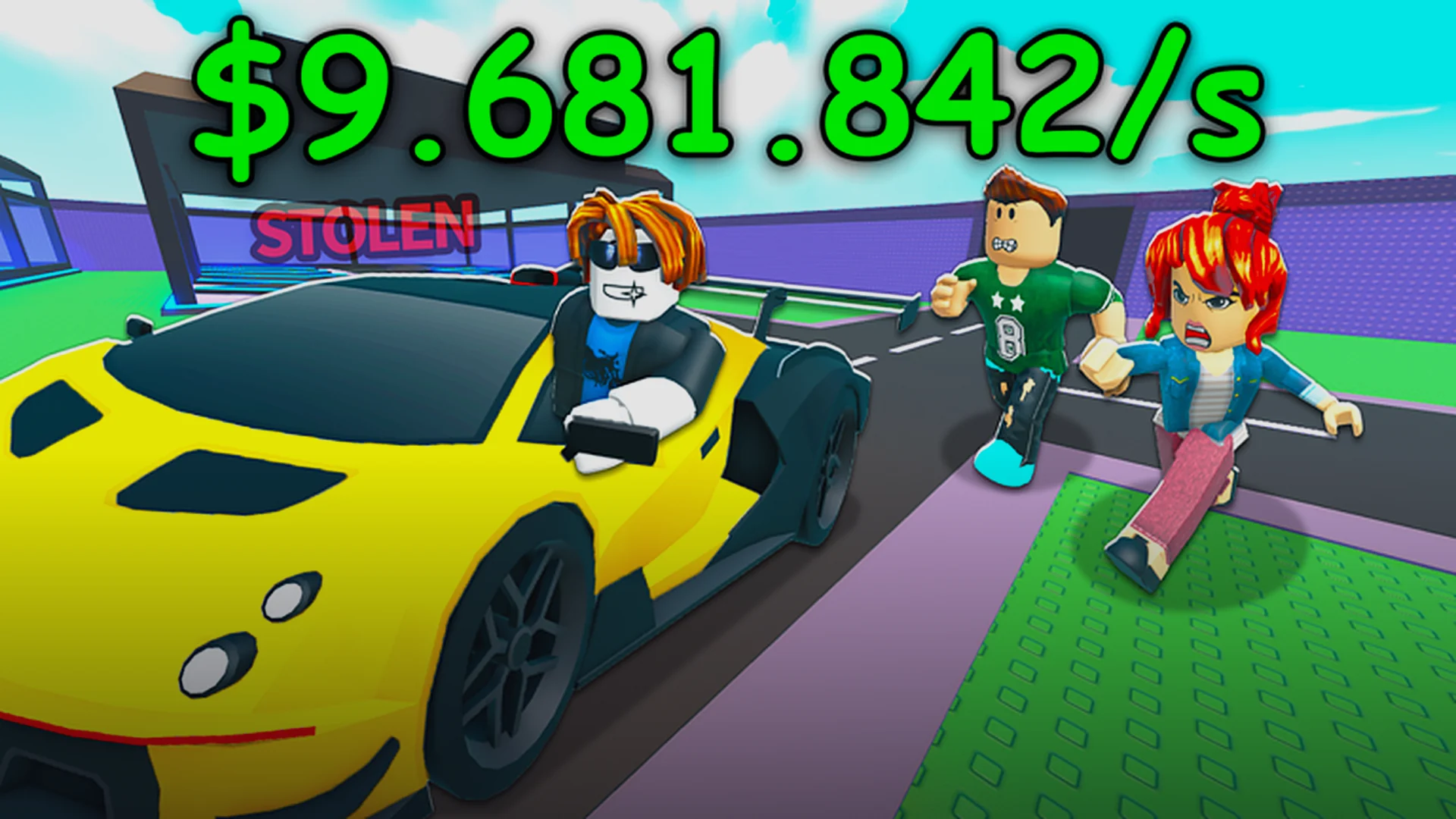
- Steal a Car game download is free through the official Roblox game page — no separate installer exists.
- All platforms supported: Windows, Mac, iOS, Android, and Xbox consoles via the Roblox app.
- Launch in one click from the official game page, then redeem codes for starting cash.
- Core loop: steal a car, deliver it to the buyer, escape police, get paid.
- No cost to play: the full game is free, with optional gamepasses for faster progression.
Steal a Car Game Download: The Basics
Steal a Car is an open-world Roblox sandbox where you sneak past guards, steal vehicles, evade police chases, and sell cars for cash. Because it runs entirely on Roblox, the Steal a Car game download process is simpler than most players expect: you install the Roblox app once, then launch the game directly from its official page. There is no standalone installer, no separate purchase, and no third-party site you need to trust.
The game has surpassed 50 million total visits and receives regular updates, with 40+ cars available to steal and sell. That makes it one of the more active car-stealing sandboxes on the platform as of 2026.
Any website claiming to offer a standalone Steal a Car APK or PC installer outside Roblox is unofficial and potentially unsafe. The only legitimate way to download and play is through the official Roblox game page or the Roblox app on your device's official store.
Official access points:
| Access Method | Where to Get It | Cost | Notes |
|---|---|---|---|
| Roblox web + launcher | roblox.com game page | Free | Auto-installs Roblox Player on first launch |
| Roblox mobile app | App Store / Google Play | Free | Full game, touch controls |
| Xbox console | Microsoft Store | Free | Requires Xbox Roblox app and online subscription |
| Third-party APK sites | Not recommended | Risky | Unofficial, potential malware |
Step-by-Step: Download and Launch on Every Platform
Follow these steps to get into the game in under five minutes, regardless of your device.
Create or Log In to a Roblox Account
Go to roblox.com or open the Roblox app and sign in. A free account is required to join any game, including Steal a Car.
Install the Roblox App
On PC or Mac, clicking Play on any game page triggers a one-time Roblox Player download. On mobile and console, install the Roblox app from your device's official store.
Open the Official Steal a Car Page
Navigate to the official game page on Roblox. Bookmark it — this is your permanent launch point for every session.
Press Play and Wait for the Load
The game loads in your browser-launched player or app. First load takes longer; later sessions are faster.
Redeem Codes Before Stealing
Click the Codes button on the left side of the in-game UI, paste any active code, and hit Redeem for free starting cash. Then grab your first car.
If you plan to play mostly on one device, install the Roblox app rather than launching through the browser each time. App sessions load noticeably faster and keep you logged in.
Controls After You Download
Once the Steal a Car game download is done, learning the control scheme is the difference between a clean getaway and a busted heist. The game supports keyboard, gamepad, and touch input.
| Action | PC | Gamepad | Mobile |
|---|---|---|---|
| Enter / steal a car | E (proximity prompt) | Y / Triangle | Tap on-screen prompt |
| Accelerate / Brake | W / S | RT / LT | Right pedal buttons |
| Steer left / right | A / D | Left stick | Left joystick or tilt |
| Handbrake / drift | Space | A / X | Handbrake button |
| Use equipped item | Left Mouse / 1–9 | R2 | Tap hotbar slot |
| Camera control | Right Mouse (hold) | Right stick | Swipe screen |
Common C-tier cars like sedans and hatchbacks spawn everywhere on the map. Use them to practice driving, drifting, and police escapes before risking time on high-value targets.
What to Do in Your First Session
Your first hour sets the pace for your entire grind. Prioritize these goals in order.
1. Stack Free Cash
- Redeem all active codes first
- Free starting bankroll
- Codes refresh with updates
2. Learn the Sell Loop
- Steal, deliver, escape, repeat
- Rarer cars pay far more
- Avoid delivering damaged cars
3. Reinvest Early
- Better tools and movement
- Garage space for value cars
- Passive income upgrades
Vehicle targets by payout tier:
| Tier | Car Types | Payout | Best For |
|---|---|---|---|
| S | Hypercar, rare supercars, event vehicles | Highest | Always steal on sight |
| A | Sports, luxury sedan, muscle | Strong | Reliable farming |
| B | SUV, pickup, van | Mid | Early-game income |
| C | Compact, sedan, hatchback | Low | Practice and warmups |
First Session Goals:
- Redeem every active code for free cash
- Successfully steal and deliver 3 cars
- Escape at least one police chase
- Memorize one sell-point loop route
- Buy your first upgrade or tool
Build a circular loop between high-value spawn points and the delivery point instead of one-off trips. A tight loop keeps your steals per minute — and cash per hour — significantly higher.
Is the Download Safe and Free?
Yes. Steal a Car is a standard free Roblox experience. The Roblox platform handles all installation and updates automatically, and the game itself carries no entry cost. Optional purchases exist as gamepasses inside the Roblox store — most notably a 2x Cash boost, which is widely considered the best-value purchase because it compounds across every vehicle you sell. None of these are required to play or progress.
| Question | Answer |
|---|---|
| Is there a standalone installer? | No — Roblox app only |
| Does it cost money? | No, free to play |
| Are gamepasses required? | No, optional convenience only |
| Where do updates come from? | Automatic via Roblox, weekly cadence typical |
| Official community channels | Check the in-game Discord link (bottom-left UI) |
Never enter your Roblox password on any site other than roblox.com. Fake "Steal a Car download" pages are a common phishing vector. Bookmark the official game page and launch from there every time.
FAQ
Q: How do I download the Steal a Car game?
Install the Roblox app on your device (or let the Roblox Player auto-install from the web on PC), then open the official Steal a Car game page and press Play. There is no separate Steal a Car installer to download.
Q: Is Steal a Car free to play?
Yes. The game is completely free to access through Roblox. Optional gamepasses like the 2x Cash boost exist in the in-game store but are not required to play or progress.
Q: Can I play Steal a Car on mobile or Xbox?
Yes. The game supports PC, Mac, iOS, Android, and Xbox through the Roblox app on each platform. Mobile uses touch pedals and joystick controls, while Xbox uses standard gamepad mapping.
Q: What should I do right after downloading?
Redeem all active codes through the Codes button on the left side of the screen for free starting cash, then steal a common car to practice driving and police escapes before targeting high-value vehicles.