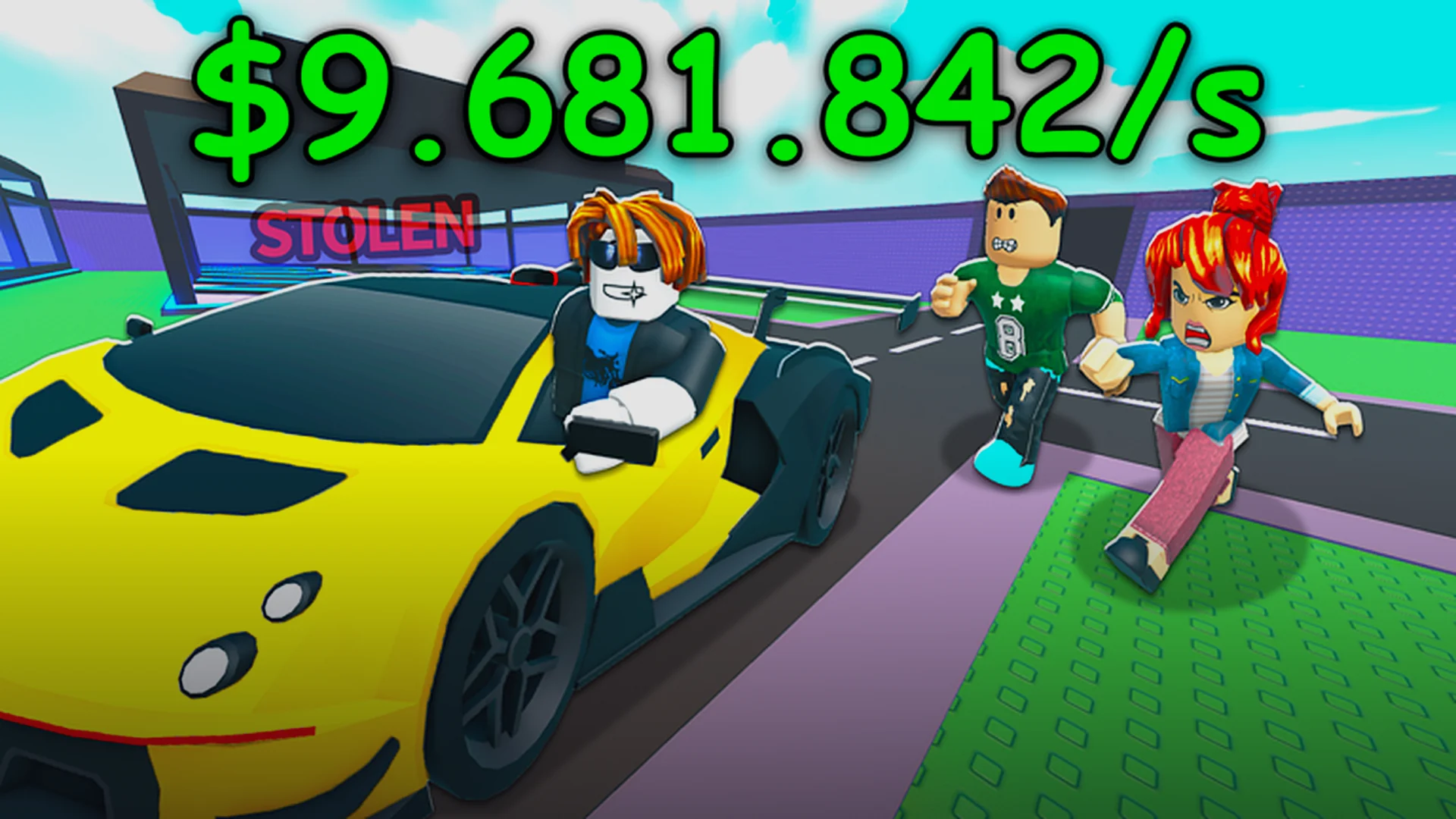
- Steal a Car GIF clips capture police chases, hypercar steals, and epic fails.
- Best tools: Roblox built-in recorder, then convert clips with GIF makers.
- Keep GIFs under 10 seconds for smooth looping and small file size.
- Share on Discord, Reddit, and community hubs with the right tags.
- Never fake another player's clip as your own — credit the original creator.
Why Steal a Car GIFs Are So Popular
Steal a Car is a Roblox open-world game where you sneak past guards, steal cars, evade police chases, and sell vehicles for cash. That loop — steal, run, deliver — produces short, punchy moments that are perfect GIF material. A well-timed steal a car gif spreads fast in the community because every chase is different: broken line-of-sight escapes, near-miss deliveries, and rare hypercar spawns all make great loops.
The most shared GIF categories break down like this:
| GIF Type | What It Shows | Shareability |
|---|---|---|
| Police escape | Sharp turns, tunnel dives, chase-timer wins | ★★★★★ |
| Hypercar steal | Rare S-tier spawn grabbed mid-chase | ★★★★★ |
| Delivery finish | Last-second sell before getting busted | ★★★★ |
| Funny fail | Crashed car, wrong drop-off, missed prompt | ★★★★ |
| Drift clips | Handbrake drifts in muscle cars | ★★★ |
Chase GIFs
- Most requested by viewers
- Show wanted-level drops
- Highlight driving skill
Rare Car GIFs
- Prove you found an S-tier spawn
- Great for trading posts
- Sparks "where?" replies
Fail GIFs
- Easiest to capture
- Most relatable content
- Perfect for Discord reactions
The best GIFs have one clear action — a single turn, grab, or escape. Avoid long stretches of straight highway driving; loops with no obvious start and end feel boring on repeat.
How to Capture the Perfect Clip
Recording is the first half of any good steal a car gif. Roblox makes this easy on every platform, and the right settings save you editing time later.
| Platform | Recorder | Recommended Length | Export Format |
|---|---|---|---|
| PC | Roblox built-in recorder or OBS | 5–15 sec | MP4, then convert |
| Mobile | Screen record (iOS/Android built-in) | 5–15 sec | MOV/MP4 |
| Console capture | Share button clip capture | Up to 30 sec | MP4 |
Record at a stable frame rate before chasing resolution. A choppy 4K clip converts into a laggy GIF, while a smooth 720p clip loops cleanly and loads fast everywhere.
Step-by-Step: Making a Steal a Car GIF
Once you have raw footage, turning it into a shareable GIF takes only a few minutes with free tools like Ezgif, GIPHY, or Photoshop export.
Trim to the Key Moment
Cut the clip so it starts just before the action — the grab prompt, the police spike, or the drift entry. Anything earlier just pads file size.
Convert to GIF
Upload the trimmed clip to a free GIF converter. Use the loop option so the last frame flows back into the first for a seamless repeat.
Compress Smartly
Reduce the width to around 480–640 pixels and lower the frame rate to 15 fps if the file is large. Text overlays cost file size too — keep them short.
Add a Caption If Needed
A two or three word caption like "S-tier grab" or "cops lost" explains context fast. Skip watermarks unless you are building a creator brand.
Export and Test
Preview the GIF on both desktop and mobile before posting. If it stutters or exceeds upload limits, trim another second or drop the width.
Aim for GIF files under 8 MB. That size uploads reliably to Discord, Reddit, and most Roblox community servers without compression destroying the quality.
Best Moments Worth Recording
Not every session produces GIF-worthy footage. Target these high-value moments, ranked by how well they perform in the community:
| Moment | Why It Works | Difficulty |
|---|---|---|
| Escaping a 5-star chase | High tension, clean payoff | Hard |
| First hypercar steal | Rare spawn proof | Hard |
| Delivering while wanted | Risk and reward in one loop | Medium |
| Perfect handbrake drift | Style points in muscle cars | Medium |
| Comedy fails | Instant relatability | Easy |
GIF-Worthy Session Checklist:
- Record during high wanted-level chases
- Check premium lots and garages for S-tier spawns
- Clip every near-miss delivery at the sell point
- Save drift clips from muscle car routes
- Keep the funniest fails — they travel farthest
Popular YouTube searches like "steal a car roblox" surface chase and steal clips worth studying for angles and timing. When you repost someone else's footage as a GIF, always credit the original uploader.
Sharing Tips and FAQ
Where you post shapes how far a steal a car gif travels. Community spaces reward different styles:
| Platform | Best GIF Style | Tip |
|---|---|---|
| Discord servers | Fails and reactions | Keep under 8 MB |
| Skilled chases | Use a descriptive title | |
| Group walls | Rare car finds | Ask where it spawned |
| Chat apps | Short loops | 3–5 seconds ideal |
Some servers ban reposted clips or require flair tags. Check the rules before dropping GIFs — a removed post wastes your best footage.
Q: What is the best length for a Steal a Car GIF?
Keep GIFs between 3 and 10 seconds. Short loops repeat cleanly, load fast, and hold attention far better than long clips that feel like mini videos.
Q: Can I make a Steal a Car GIF on mobile?
Yes. Use your device's built-in screen recorder while playing, then trim and convert the clip in a free GIF app. Keep the width around 480 pixels for a small file.
Q: Why does my GIF look choppy after converting?
Usually the source frame rate is too low or the export frame rate was set too high. Record at a stable 30 fps, then export the GIF at 12–15 fps for smooth motion.
Q: Is it okay to GIF another player's clip?
Only with credit. Reposting footage from YouTube or community posts without attribution is frowned upon. Tag the original creator or ask permission first.