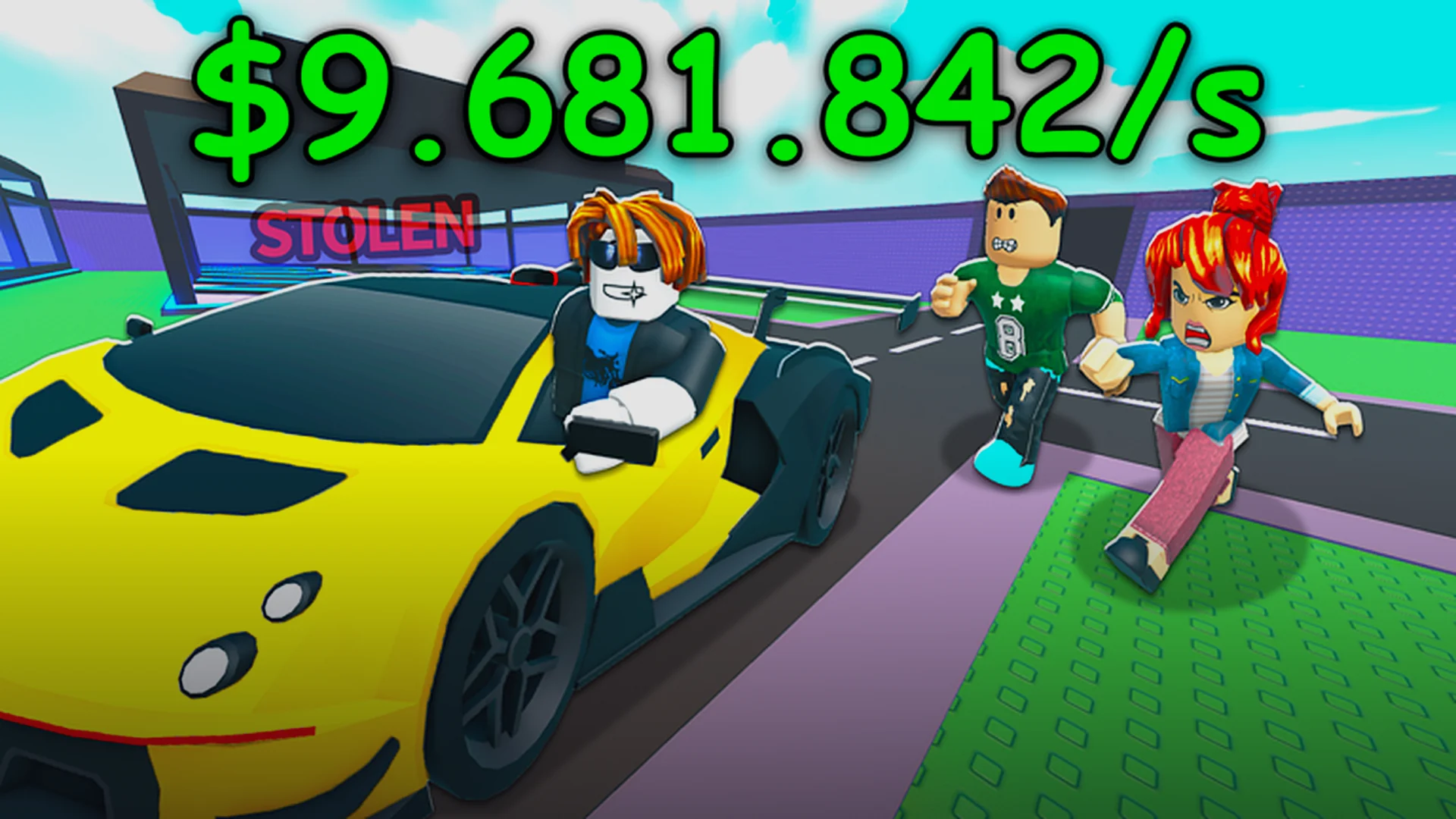
- Steal a Car is a vehicle-snatching game where speed and escape planning decide your earnings.
- Discord access: Joining the official server takes under two minutes with an invite link.
- Core loop: Steal a target vehicle, dodge pursuit, and bank your reward before upgrading.
- Community value: Update announcements, events, and code drops are posted on Discord first.
- Beginner priority: Learn one map route and one escape method before chasing rare vehicles.
Joining the Official Steal a Car Discord Server
The community hub for Steal a Car lives on Discord, where the development team posts update logs, event announcements, and direct support. If you are new to the platform, the join process is straightforward and works the same on desktop and mobile.
Video Highlights:
- Open the Discord app and press the plus icon on the left sidebar
- Select "Join a Server" from the bottom of the pop-up menu
- Paste the official Steal a Car invite link into the entry field
- Confirm with "Join Server" in the bottom-right corner
- Complete any on-screen verification steps once you arrive
After joining, take a moment to read the rules channel and grab any role tags offered in the welcome area. Many channels stay hidden until you verify, so completing this step unlocks the full server.
Only use invite links shared through the official game page or verified community channels. Third-party sites sometimes host expired or impersonated servers, and entering your credentials there puts your account at risk.
Core Gameplay Loop and Mechanics
Steal a Car rewards players who can plan a clean getaway. Every run follows the same three-phase rhythm: locate a target, take it, and escape before pursuit closes in.
| Phase | Goal | Risk Level | Reward |
|---|---|---|---|
| Locate | Scan the map for a target vehicle | Low | Fixed spawn knowledge |
| Steal | Enter and start the vehicle unnoticed | Medium | Vehicle unlocked |
| Escape | Outrun pursuit and reach the drop point | High | Cash payout scaled by vehicle |
Your payout scales with the rarity of the vehicle you grab, so the temptation is always to go for the flashiest car on the map. Early on, consistency beats greed: a string of modest, clean getaways builds cash faster than repeated failed heists on high-value targets.
Plan your exit route before you enter the vehicle. Players who improvise after the alarm triggers lose far more runs than those who already know which alley or highway ramp to take.
Step-by-Step: Your First Successful Heist
Follow this sequence to go from fresh spawn to your first banked reward without wasted attempts.
Familiarize Yourself With the Map
Spend your first session driving around without stealing anything. Note the spawn zones, drop-off points, and choke points where pursuit tends to catch players.
Choose a Low-Value Target
Pick a common vehicle for your first run. Low-value targets usually draw lighter pursuit, giving you room to practice the escape phase.
Plan and Memorize One Route
Select a single tested route from the spawn area to the drop point. Repeat it until you can drive it without checking the minimap.
Execute the Steal and Escape
Enter the vehicle, commit to your route immediately, and avoid unnecessary detours. Smooth, direct driving beats aggressive maneuvering in most pursuits.
Bank and Upgrade
Convert your reward into upgrades that improve speed or handling before chasing rarer vehicles. Compounding small wins accelerates progression.
Once you complete five clean getaways in a row on the same route, you have internalized the core loop and are ready to vary targets and maps.
Community Channels and What to Use Them For
The Discord server is more than a chat room. Each channel type serves a distinct purpose for players trying to progress efficiently.
Announcements
- Update logs and patch notes
- Event schedules and downtime alerts
- Posted first before anywhere else
Community Help
- Route tips from veteran players
- Bug reports and workaround threads
- Beginner question channels
Events and Contests
- Timed challenges with rewards
- Leaderboard discussions
- Community showcases and clips
| Channel Type | Best Used For | How Often to Check |
|---|---|---|
| Announcements | Updates, events, maintenance | Daily |
| Help and Support | Bugs, account issues | As needed |
| General Chat | Route tips, community clips | Casual browsing |
| Events | Timed challenges and rewards | During event windows |
Enable notifications for the announcements channel only. This keeps you informed about events and update notes without being flooded by general chat activity.
Progression Checklist
Track your early-game milestones with this checklist. Each item builds directly on the previous one, so work through them in order.
Beginner Milestones:
- Join the official Discord server and verify
- Complete five clean getaways on a single route
- Purchase your first vehicle upgrade
- Successfully steal one mid-value target
- Participate in a community event
FAQ
Q: How do I join the Steal a Car Discord server?
Open Discord, press the plus icon on the left sidebar, select 'Join a Server,' paste the official invite link, and confirm. The whole process takes under two minutes.
Q: Should I steal high-value vehicles right away?
No. Early on, repeated clean getaways on low-value targets earn cash more reliably. High-value vehicles draw heavier pursuit, which newer players often cannot outrun.
Q: What is the single most important skill in Steal a Car?
Route memorization. Knowing your escape path before you trigger the steal is the biggest difference between players who bank rewards consistently and those who lose runs to improvised getaways.
Q: Where do I find update news and events first?
The announcements channel in the official Discord server. The development team posts update logs, event schedules, and maintenance alerts there before any other platform.